
Zen Echo (智禅者) hardware series · Meditation device
Meditation, music, and Q&A,
one tap to begin.
Guided meditation, Eastern wisdom Q&A, and calming music sit by your desk, one tap away whenever you want to listen.
Guided meditation · Eastern wisdom Q&A · Calming music
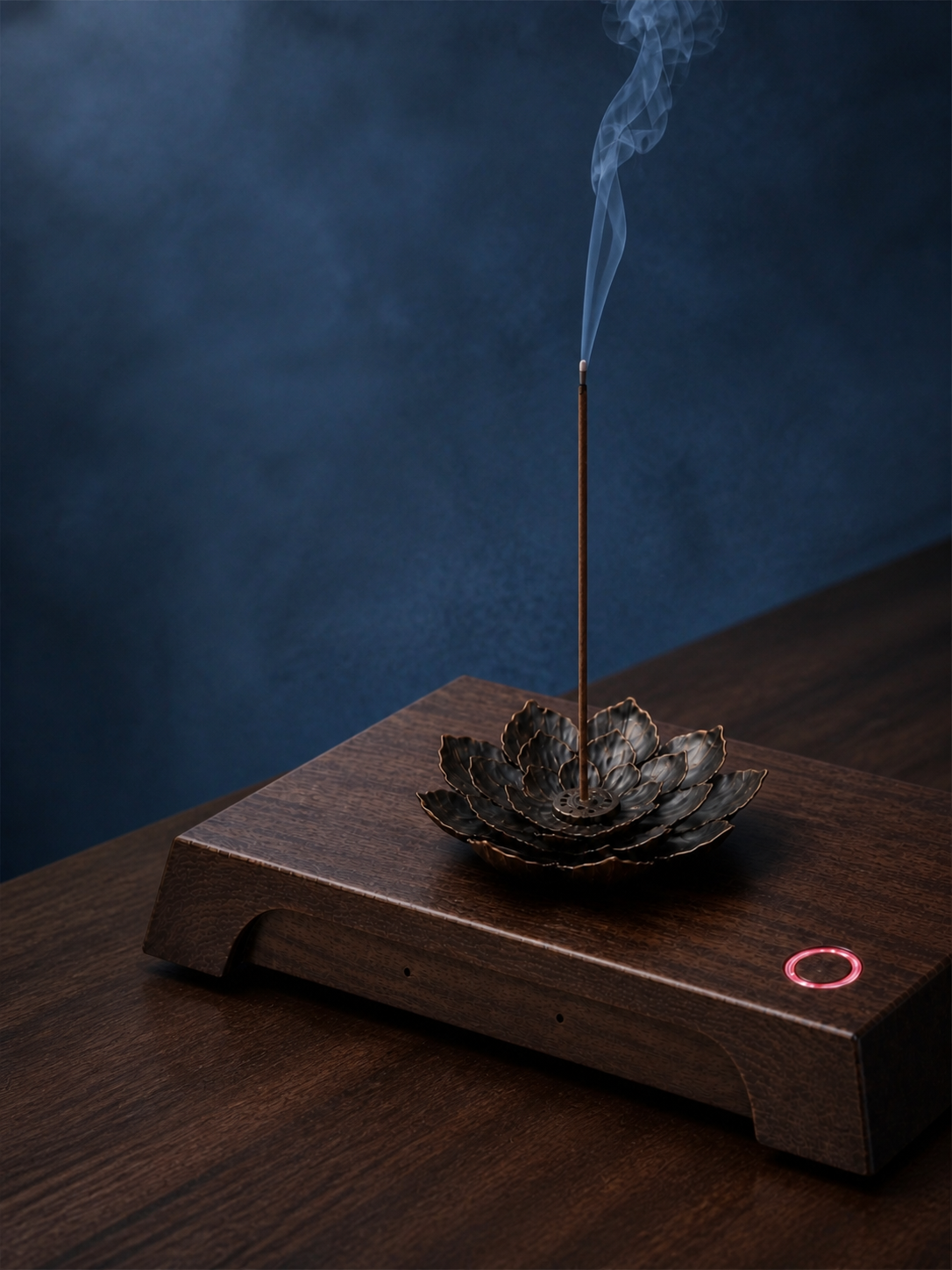
02 / After work
The body stops. The mind has not.
At the end of the workday or before sleep, tap to start guided meditation or calming music and give a busy day a little room to settle.

03 / Three experiences
Meditation, music, and Q&A in one device.
Guided meditation, Eastern wisdom Q&A, and immersive calming music all start from this meditation device.
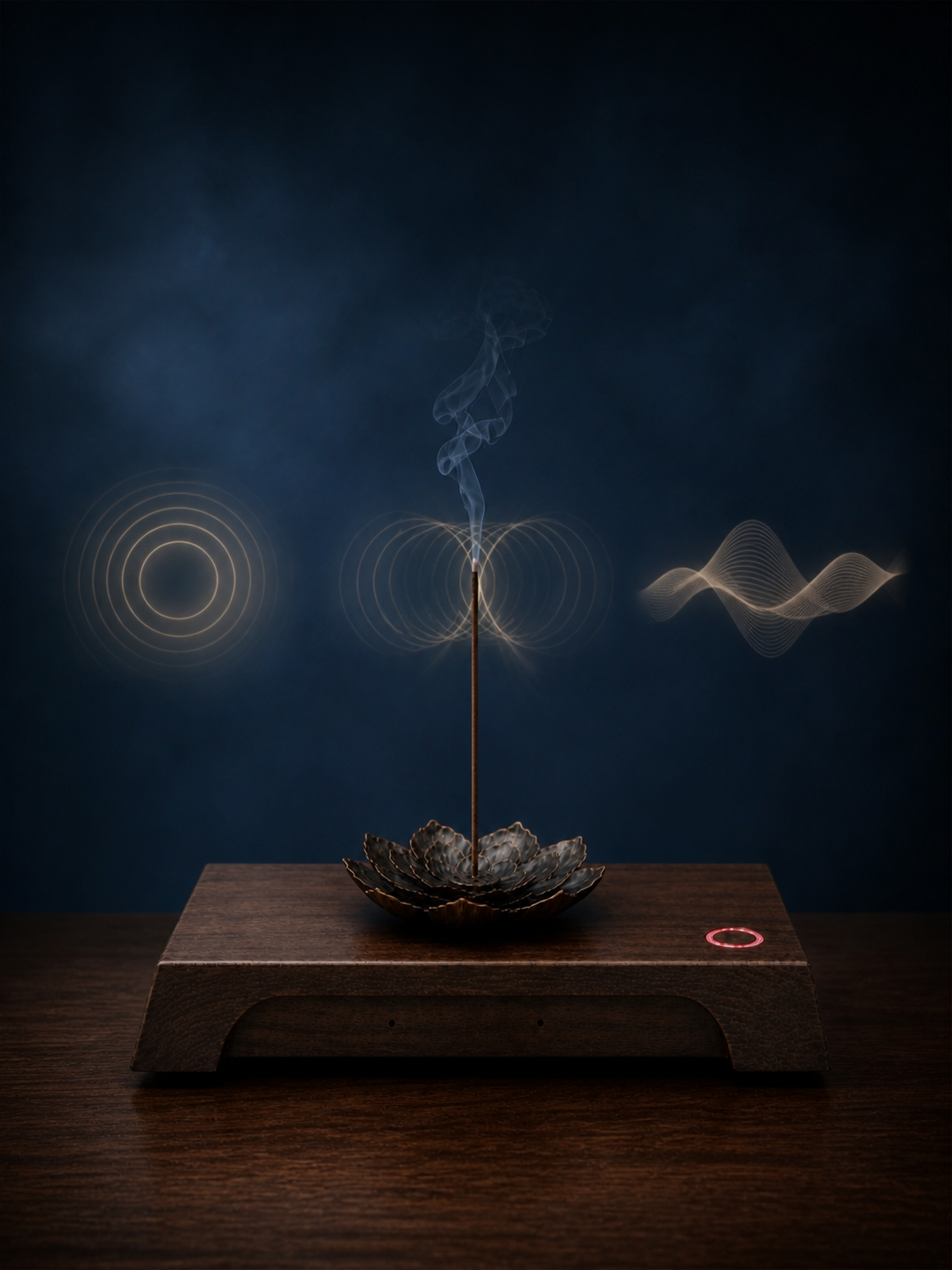
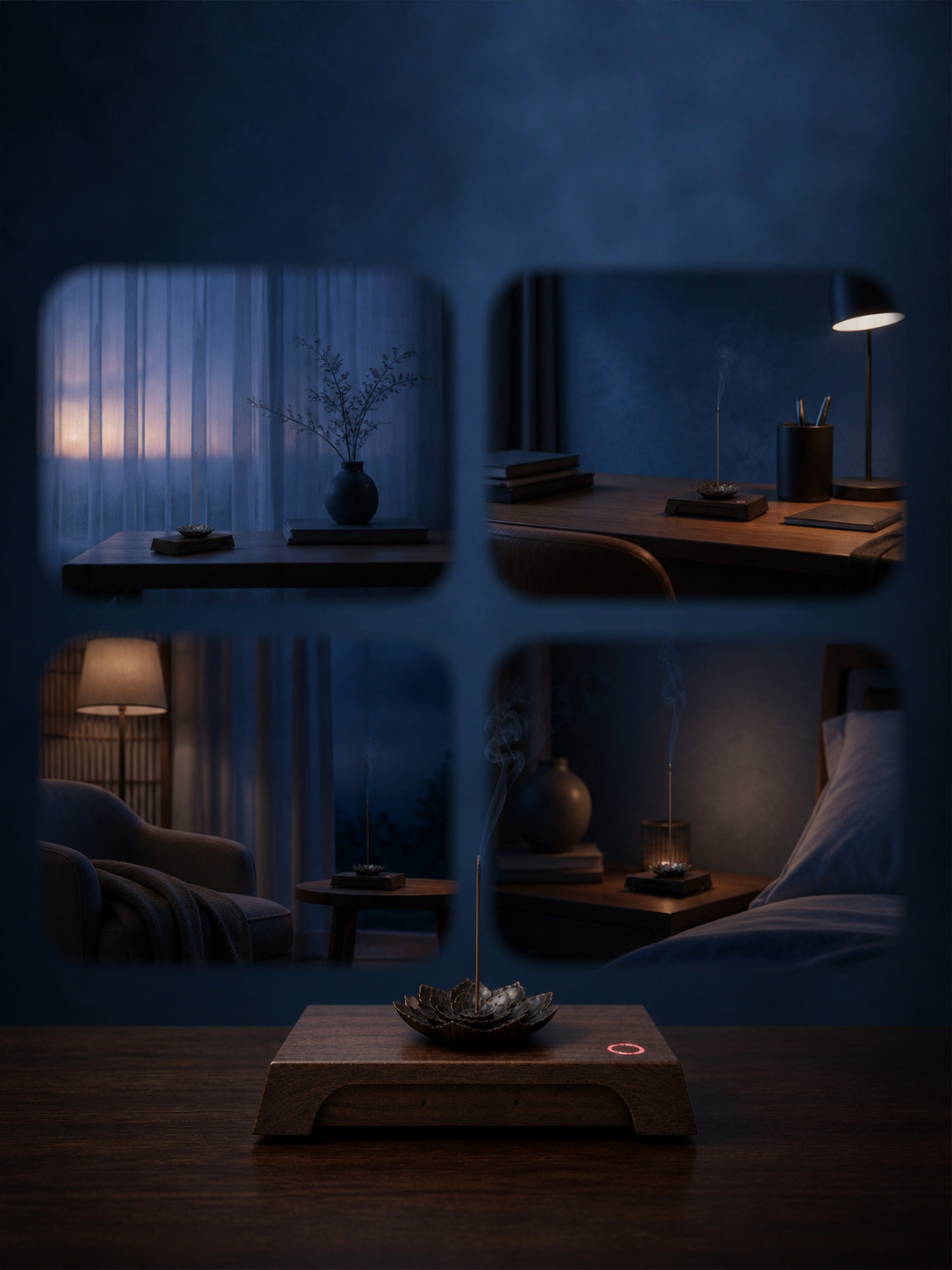
04 / Use cases
Choose the guidance that fits how you feel right now.
Start the day with a waking meditation, take a short guided pause between tasks, play something soothing when tension builds, and end the night with a calming meditation.
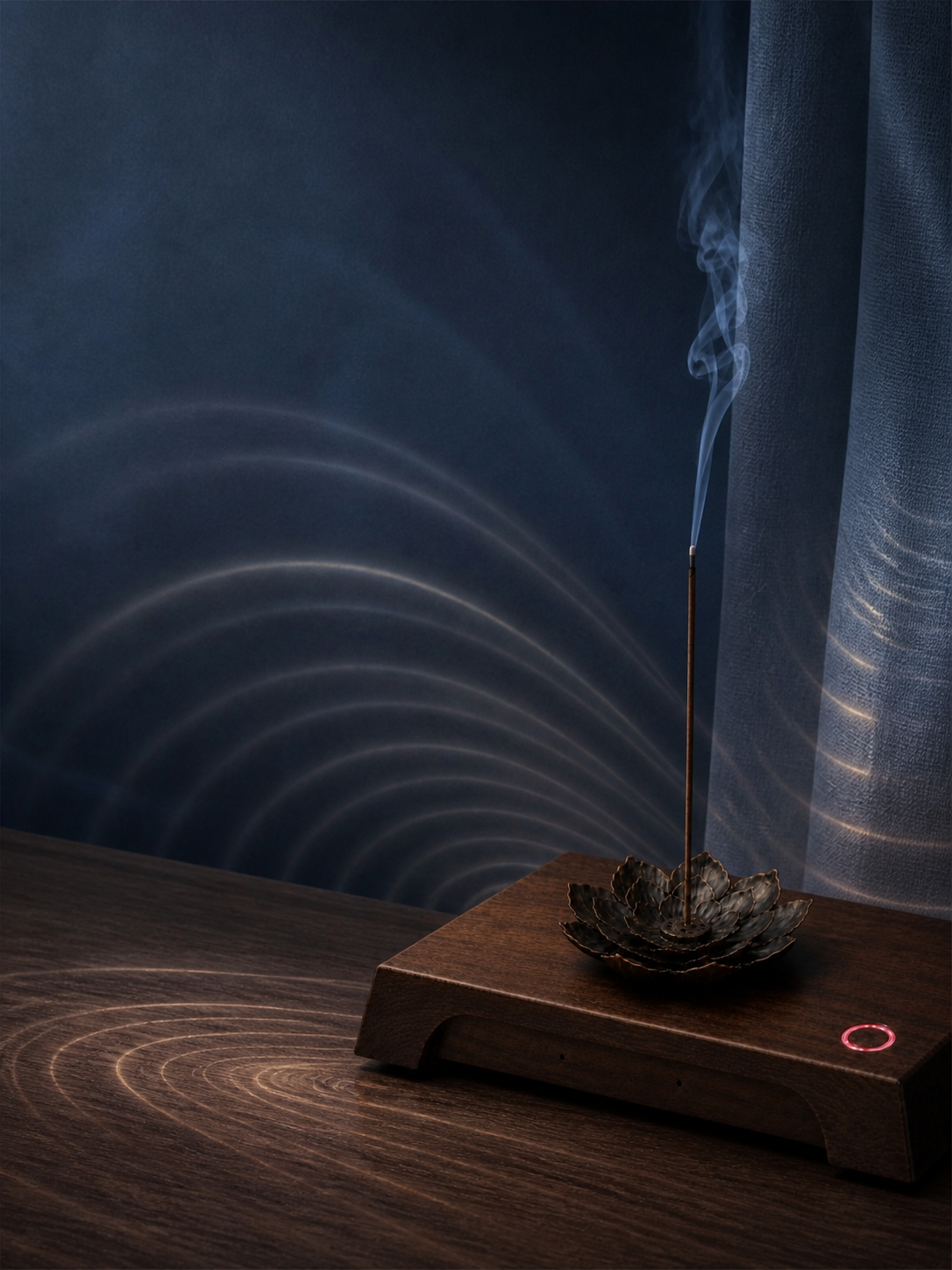
05 / Calming music
When there is nothing to say, you can still listen.
Calming music, singing bowls, and gentle melodies keep you company while you read, rest, or sit alone.
06 / Eastern wisdom Q&A
Some questions can be said out loud.
When something will not come clear, tell the device what is troubling you and listen to another way of understanding it.
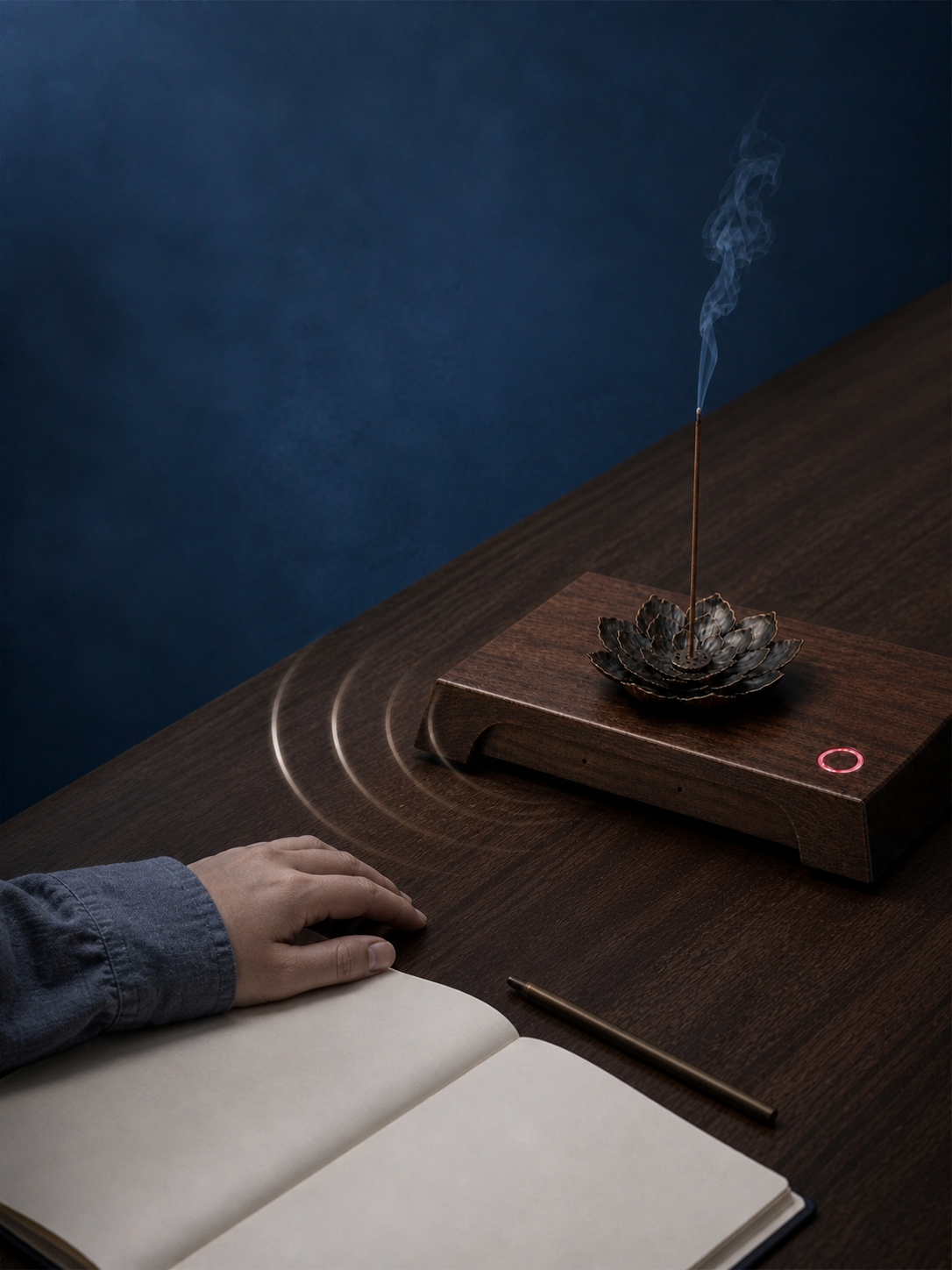
07 / Light incense
Light a stick of incense and begin this moment.
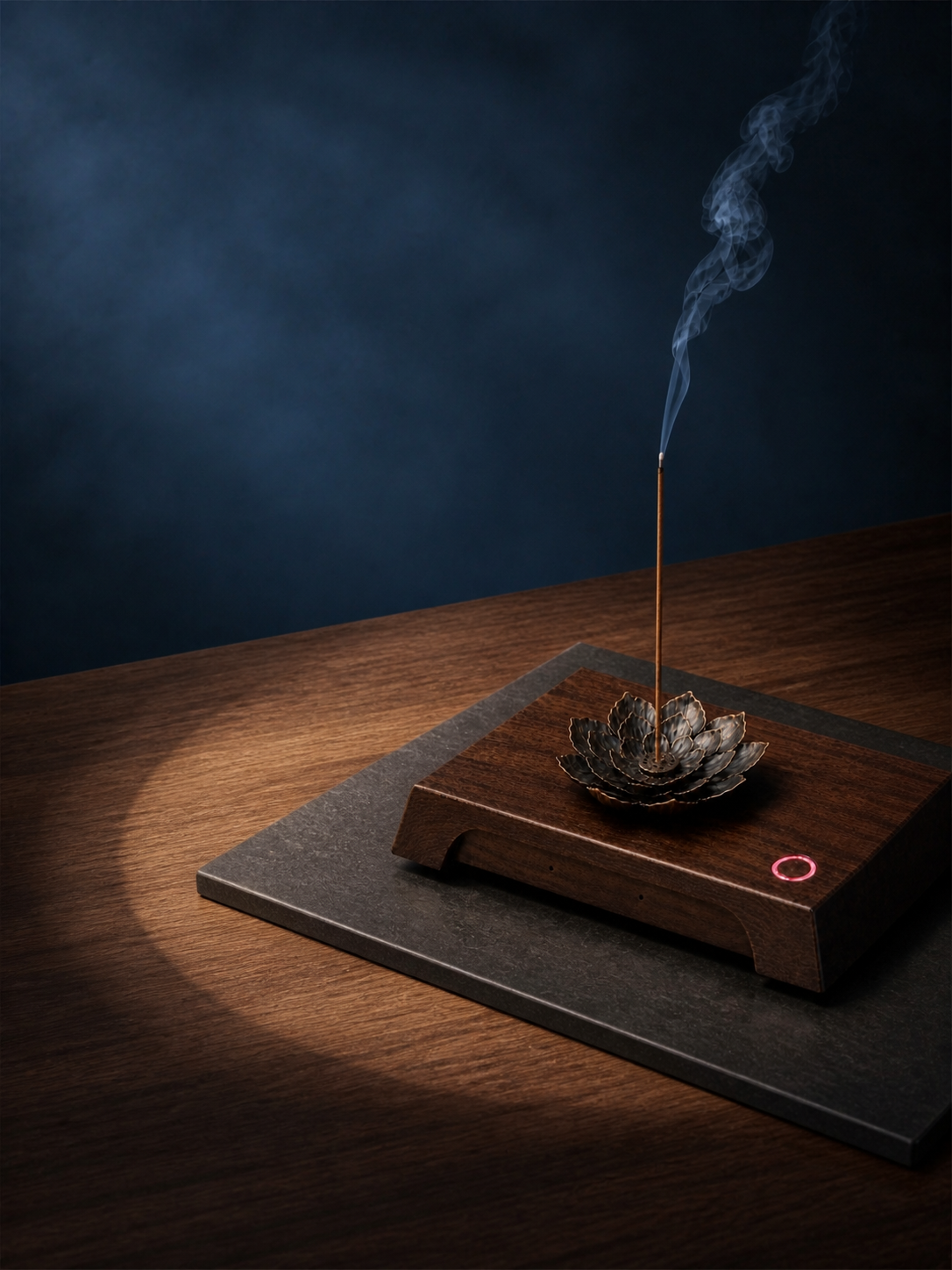
The metal lotus incense holder holds a stick of incense. Light it, then start guided meditation or calming music, and let scent and sound keep you company through a restful pause.
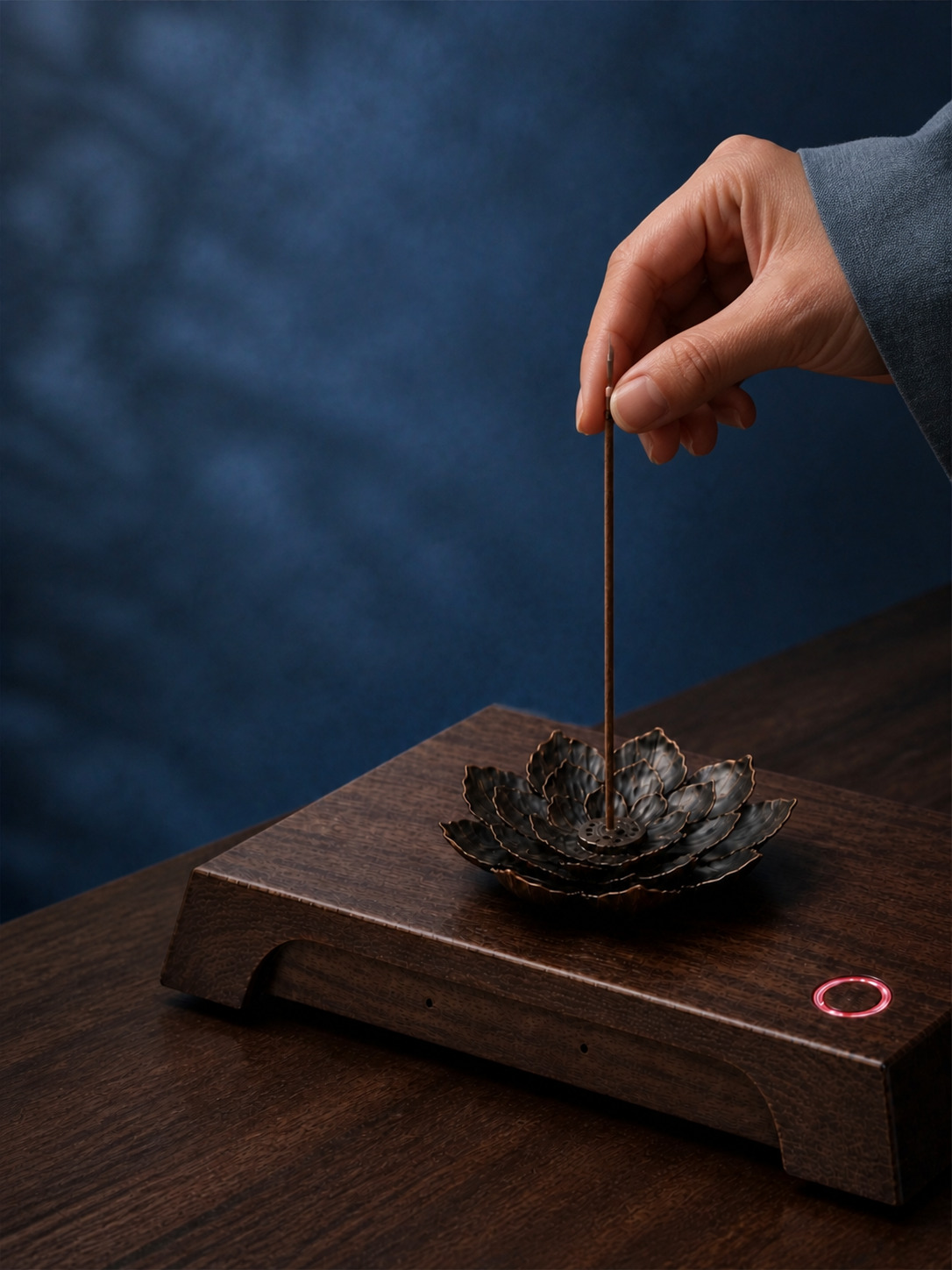
08 / Voice interaction
Tap to wake, say what you need.
Tap the button to wake it, then say what you want to hear. There is no need to pick up your phone and search.
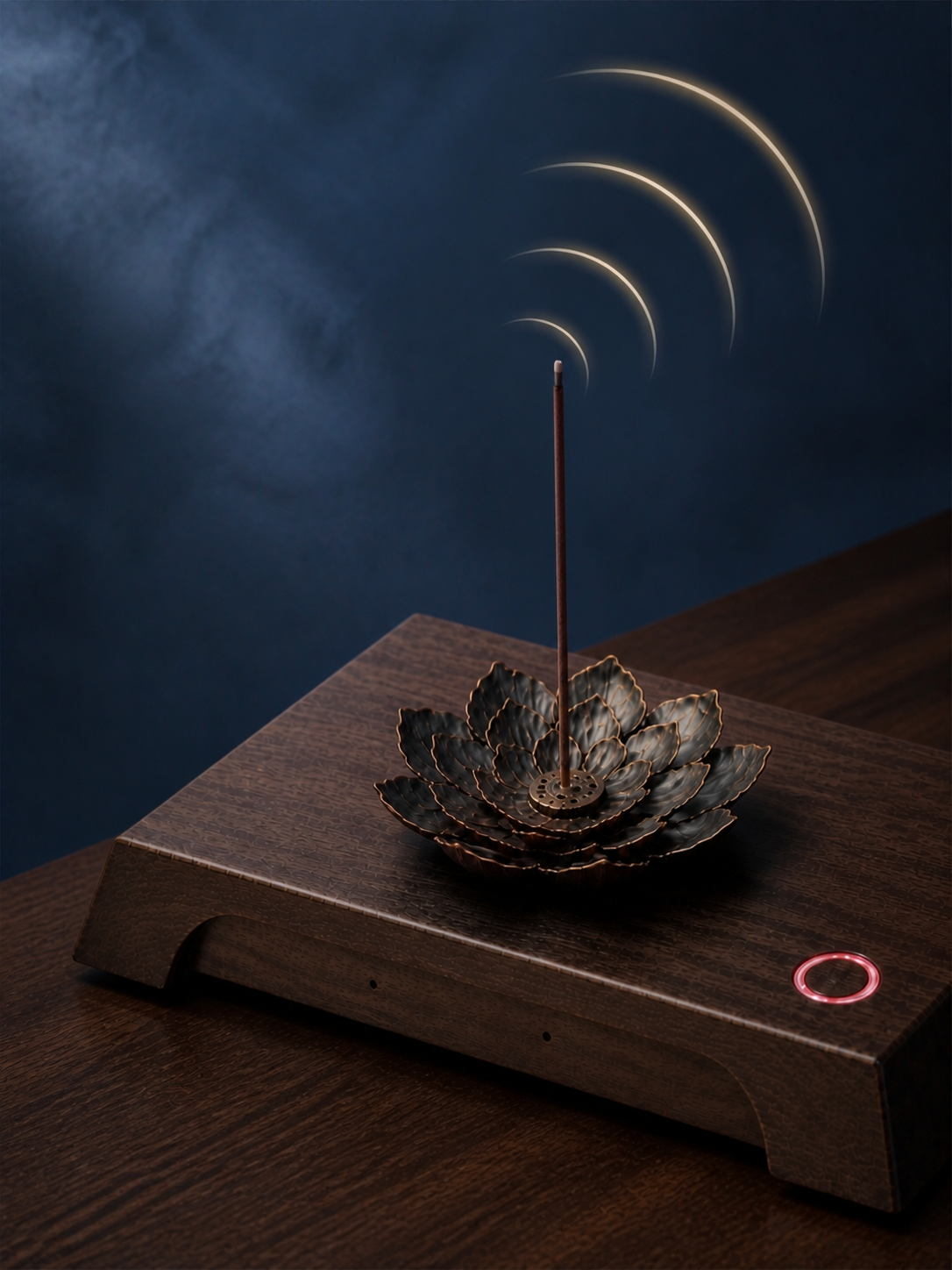
09 / How to use
Tap, say what you need, follow the voice.
Tap the ring button to wake the device, say what you want to hear, and follow the guided voice into meditation.
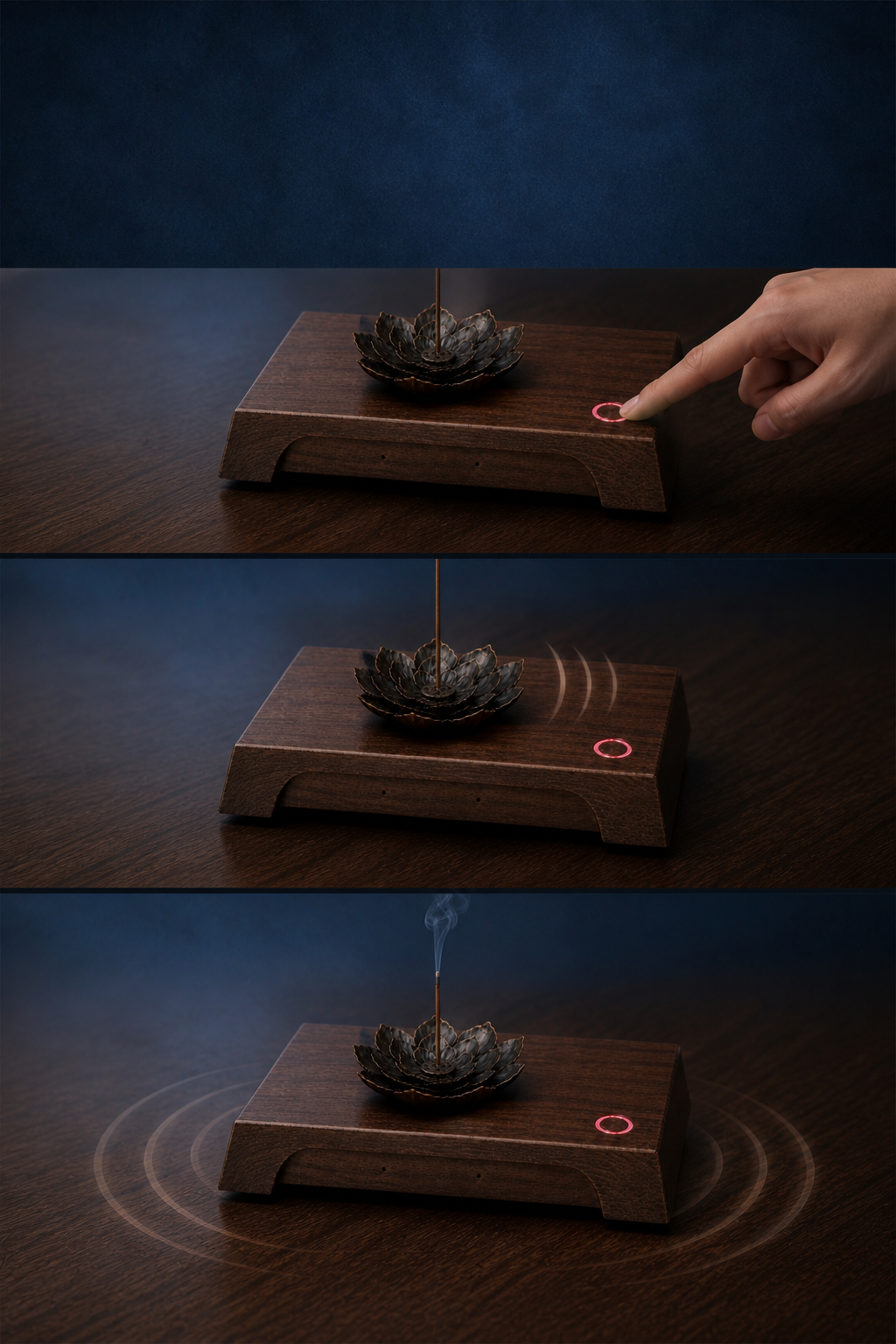
10 / Product details
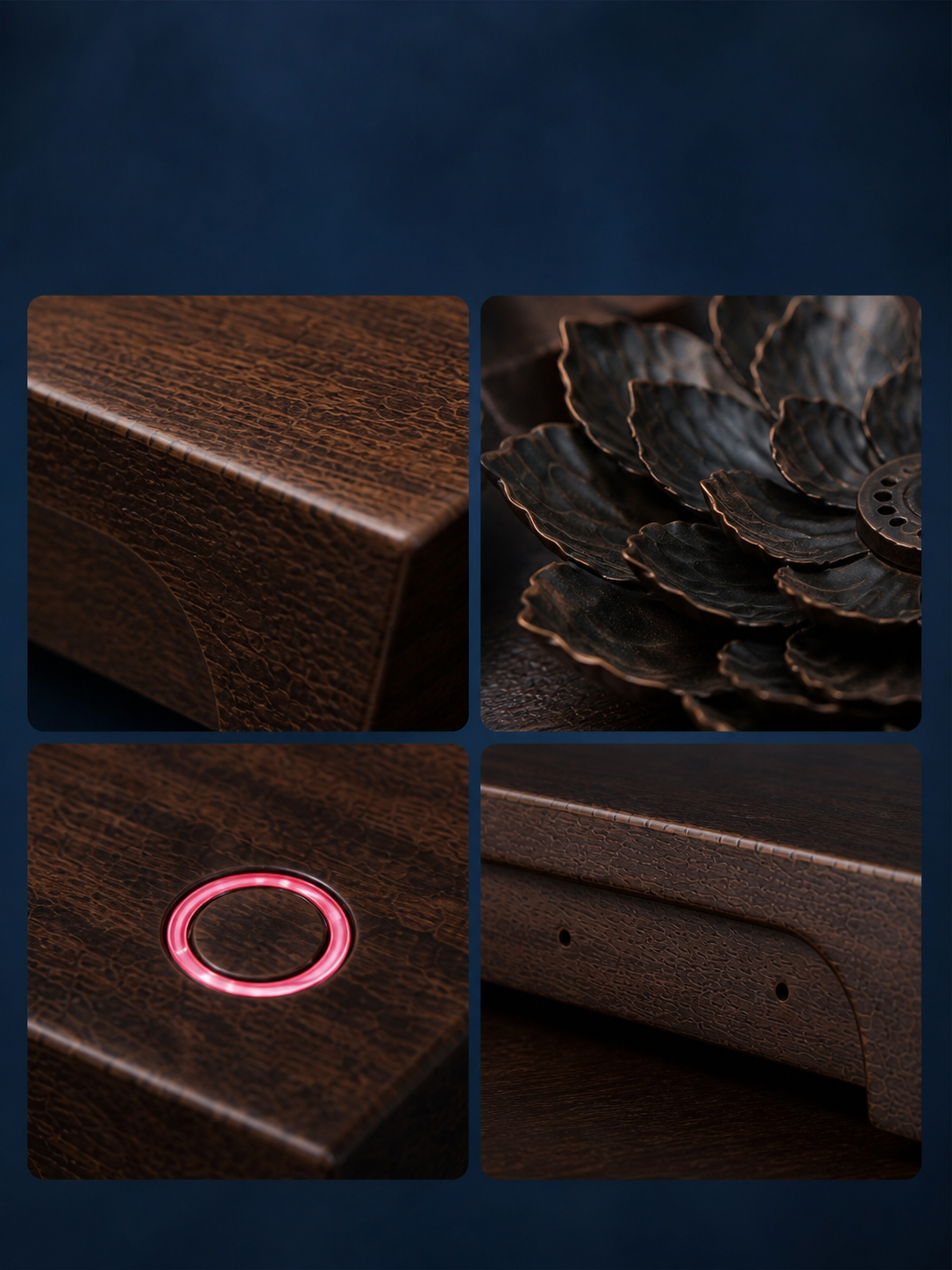
A walnut-grain base under a layered metal lotus.
The base has a walnut-grain finish, the metal lotus incense holder opens in layers, and a ring status light shows the device’s state.
11 / Size and finish
A desktop base measuring 18.5 × 10.5 × 3 cm.
The base sits on a desk, nightstand, or coffee table; a soft-lit button makes tapping easy, and music and voice play clearly.
12 / Giving
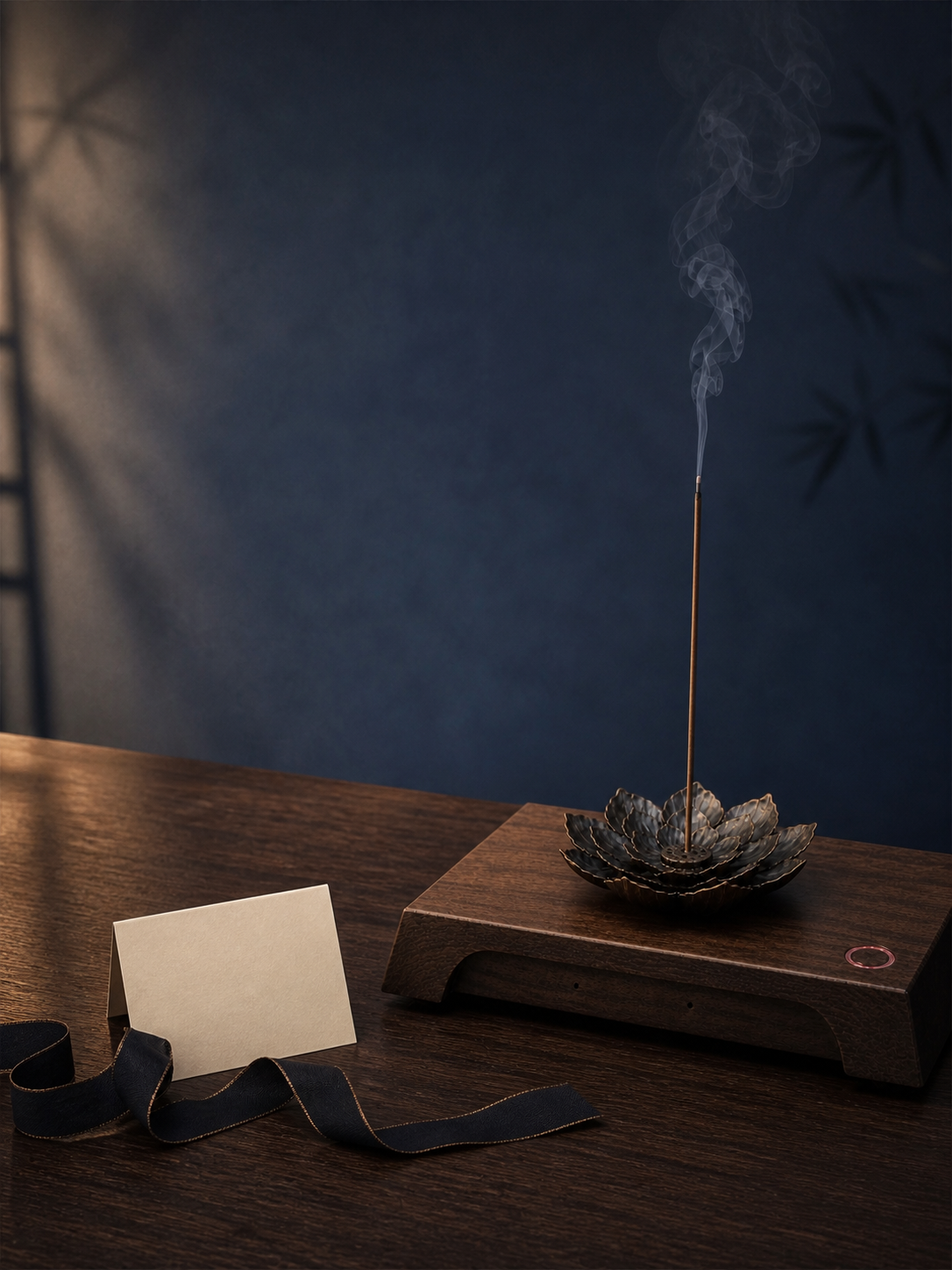
For someone you care about, or for yourself.
As a gift, give it to a partner, a parent, or a friend; or keep it on your own desk.
13 / Product details
About this meditation device.
Before you choose, check the materials, power supply, and network requirements.
- Base
- ABS plastic with a walnut-grain finish
- Ornament
- Metal
- Power
- USB Type-C, 5V / 2A; no built-in battery, must be plugged in
- Connectivity
- 2.4G Wi-Fi; internet connection required, no 4G support
The status light shows whether the device is listening.

Make stillness something you can begin every day.
Want to learn more about the meditation device?
For product versions, purchase options, and channel partnerships, contact us.